01
Read and annotate
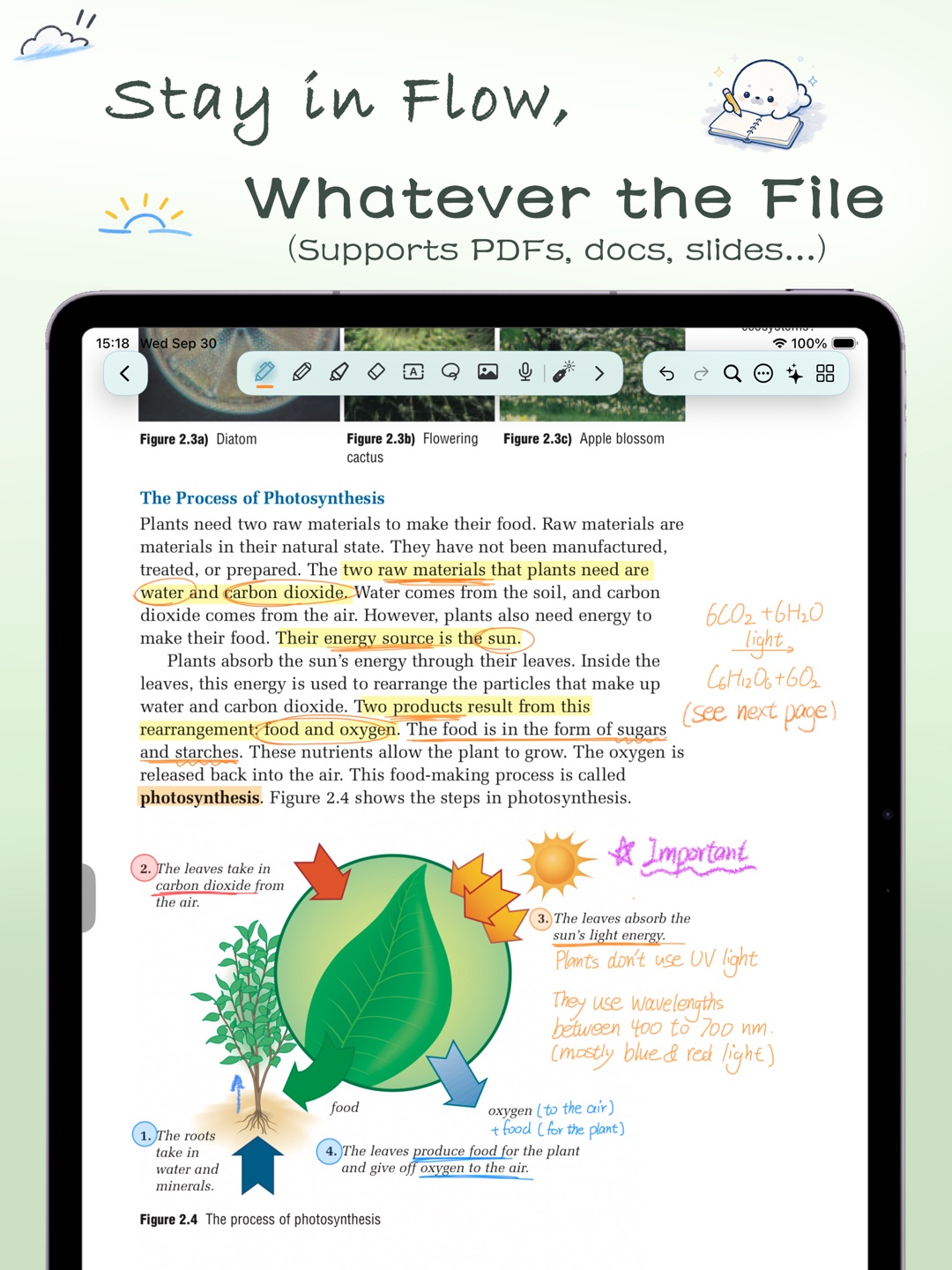
Bring in PDFs, slides, and study materials. When you need more room, extend the page for calculations, notes, and ideas
A little seal who likes to take notes
NonoNotes is a note-taking app made for iPad, with handwriting at its core. Annotate documents, translate as you read, transcribe lectures, look things up, and more.
Less switching, more focus on what you’re learning
Stay in the flow
Read, research, listen, and take notes without jumping from app to app
Bring in PDFs, slides, and study materials. When you need more room, extend the page for calculations, notes, and ideas
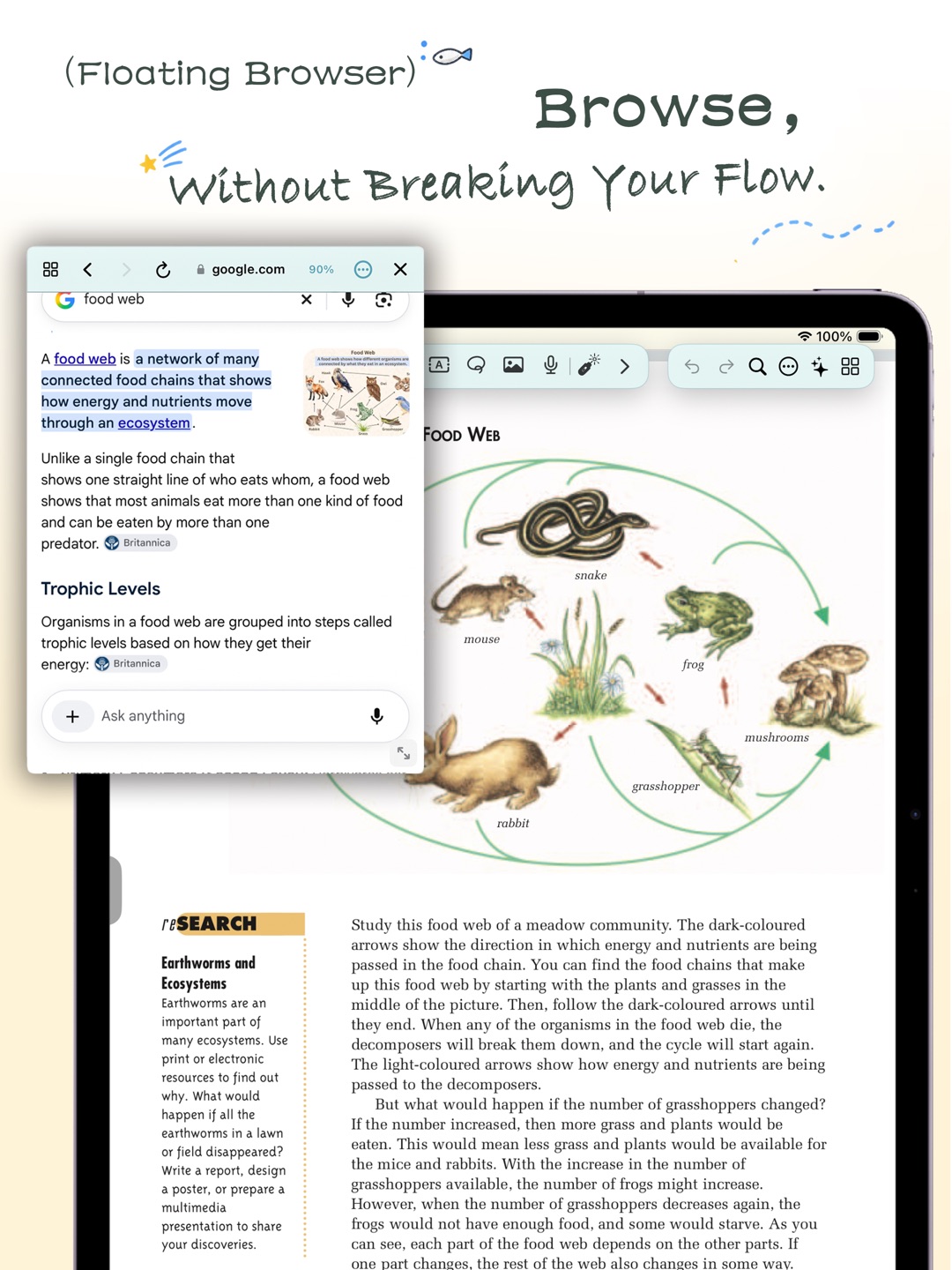
Check a word, translate a passage, or open a floating web window for research or AI tools—all without leaving what you’re reading
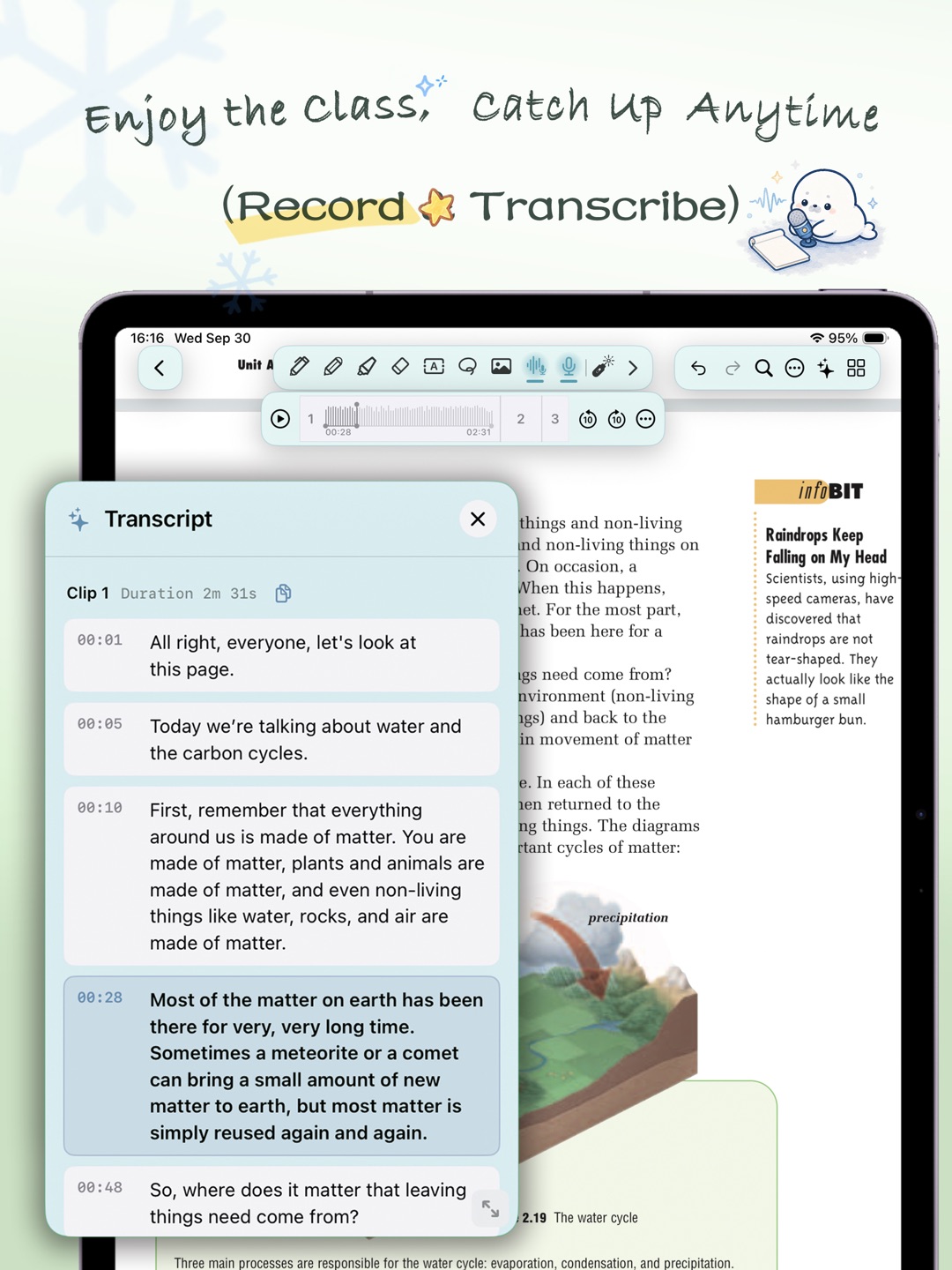
Record a lecture and turn it into text in real time. Spend more time listening in class, then review everything at your own pace
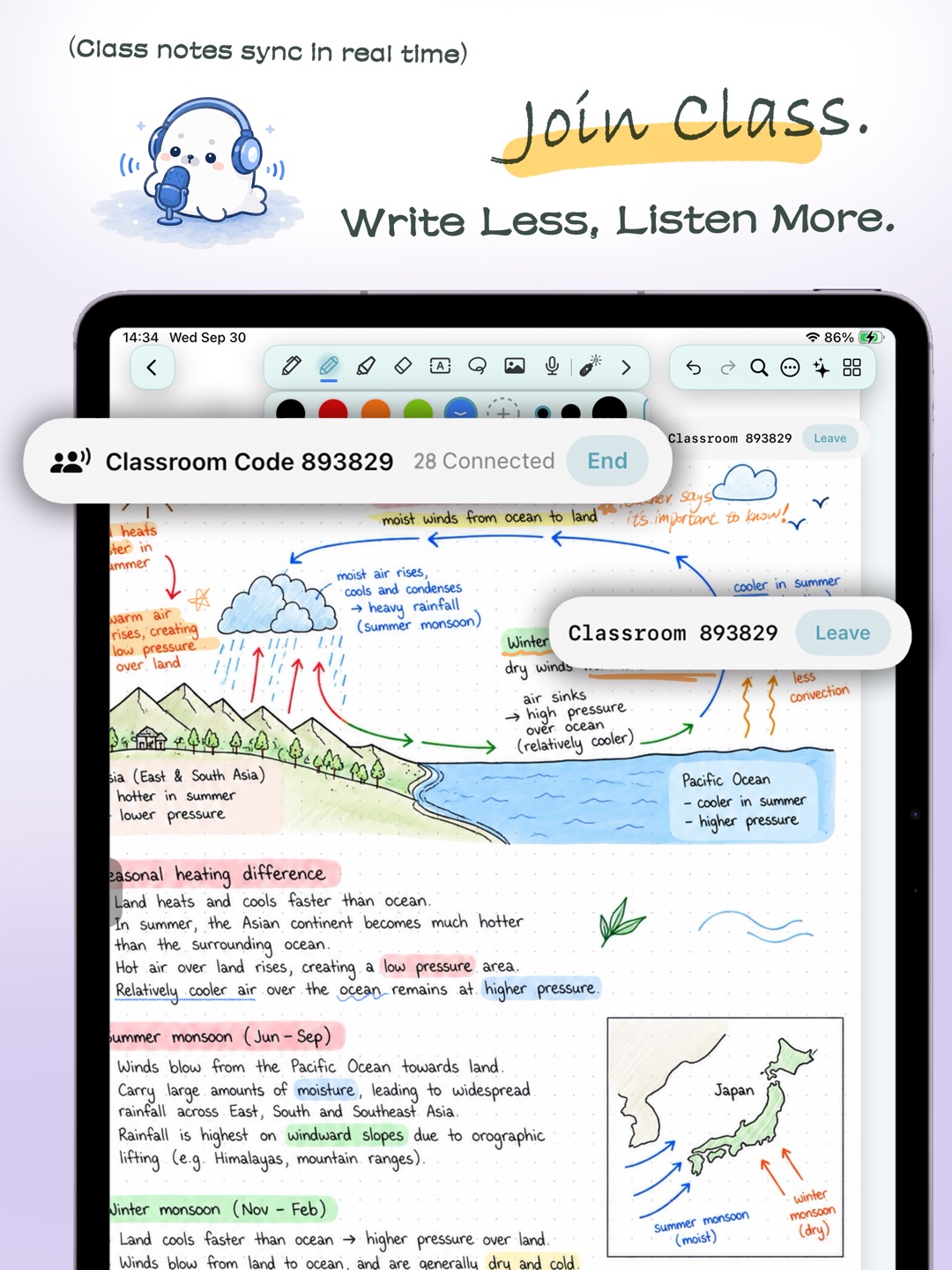
Classroom Mode
Teachers can start a class from any note and share it with a class code. Pages and handwriting stay in sync, while students can still write freely in their own notes
Keep up with the lesson without giving up your own notes
Bring your notes with you
Bring in documents, slides, images, and compatible notes from other apps. Switching apps shouldn’t mean starting over
Import several files at once. Goodnotes and Notability imports require Nono Unlimited

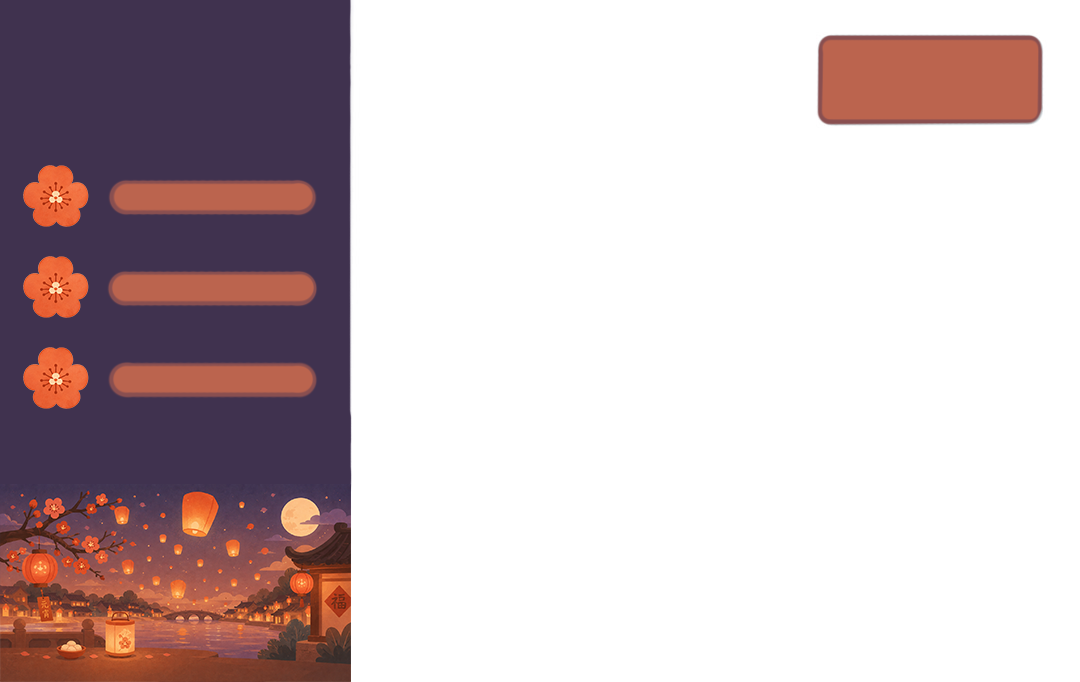
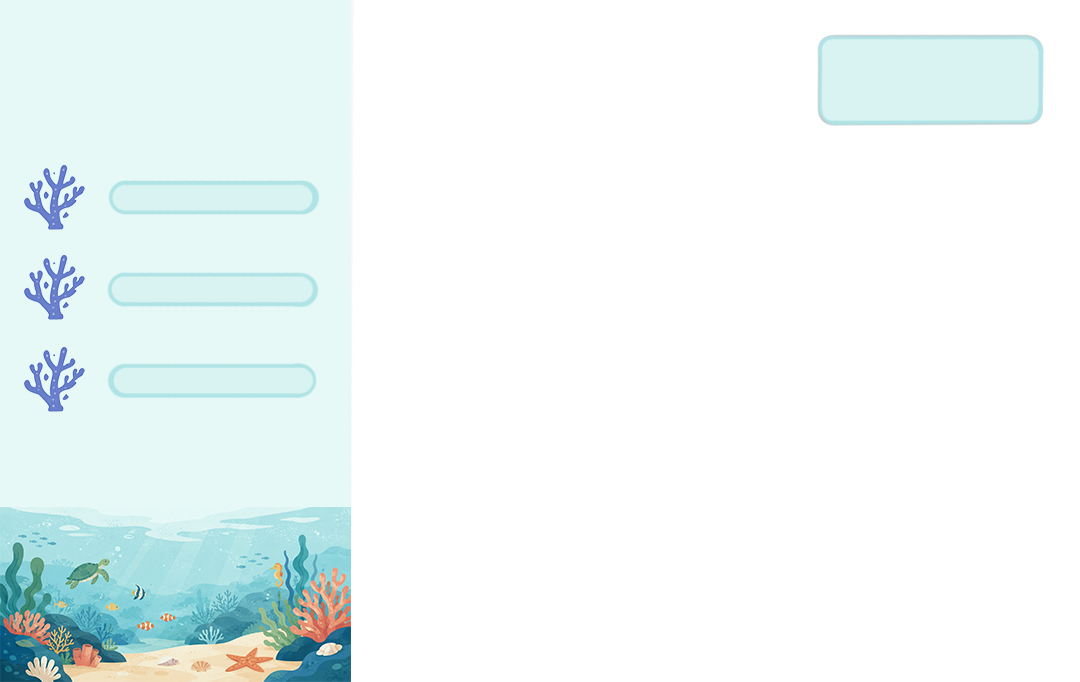
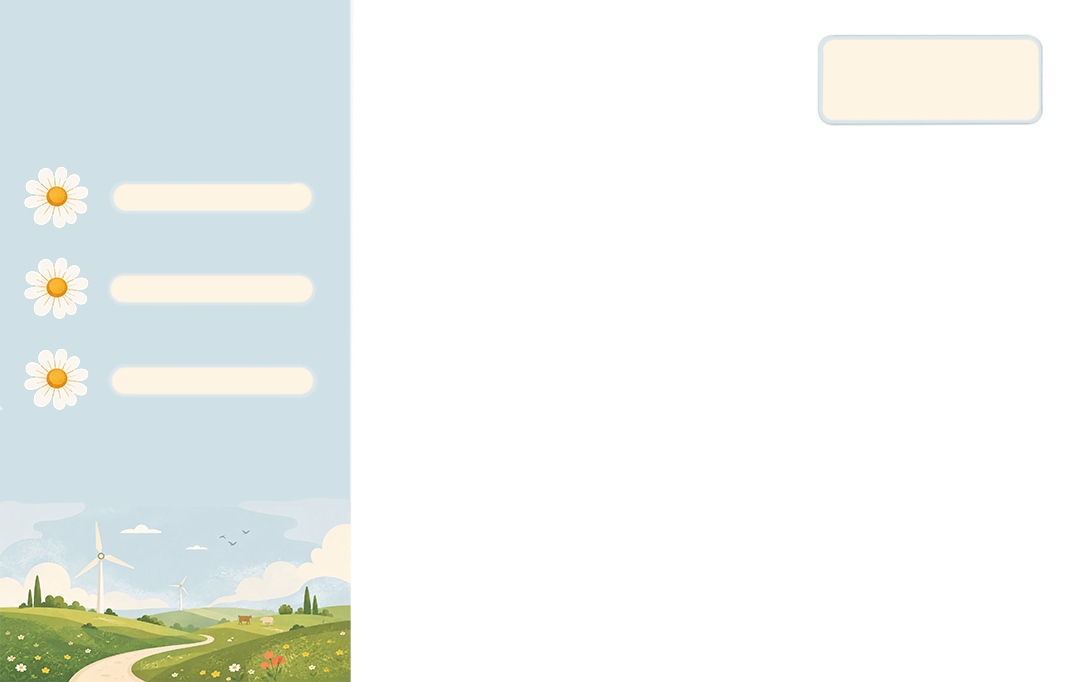
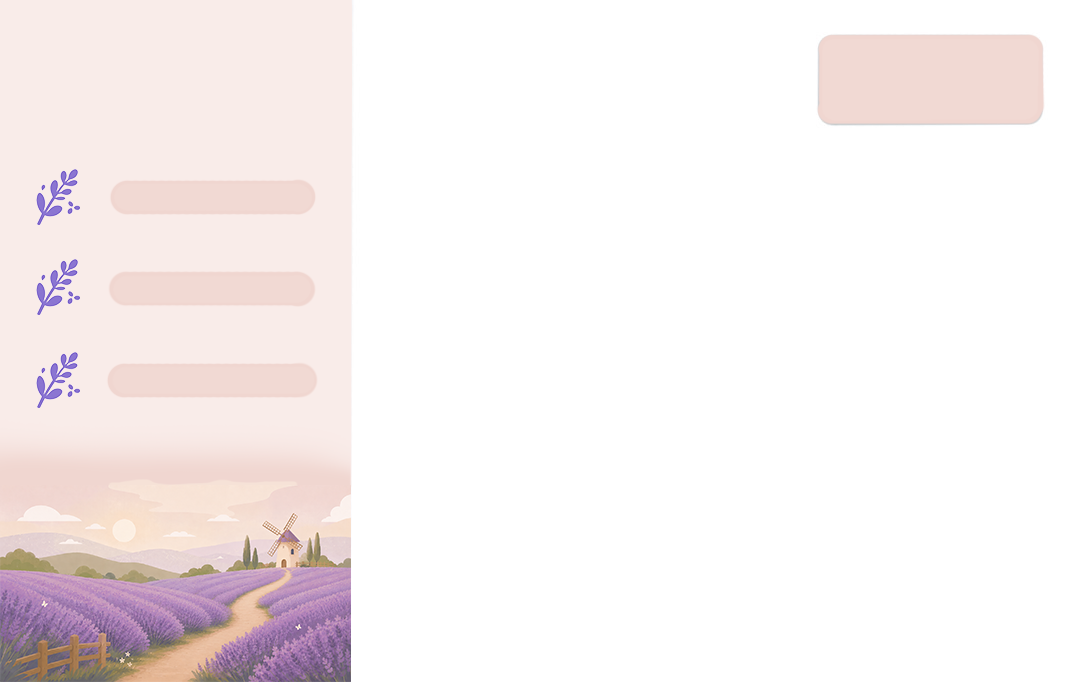
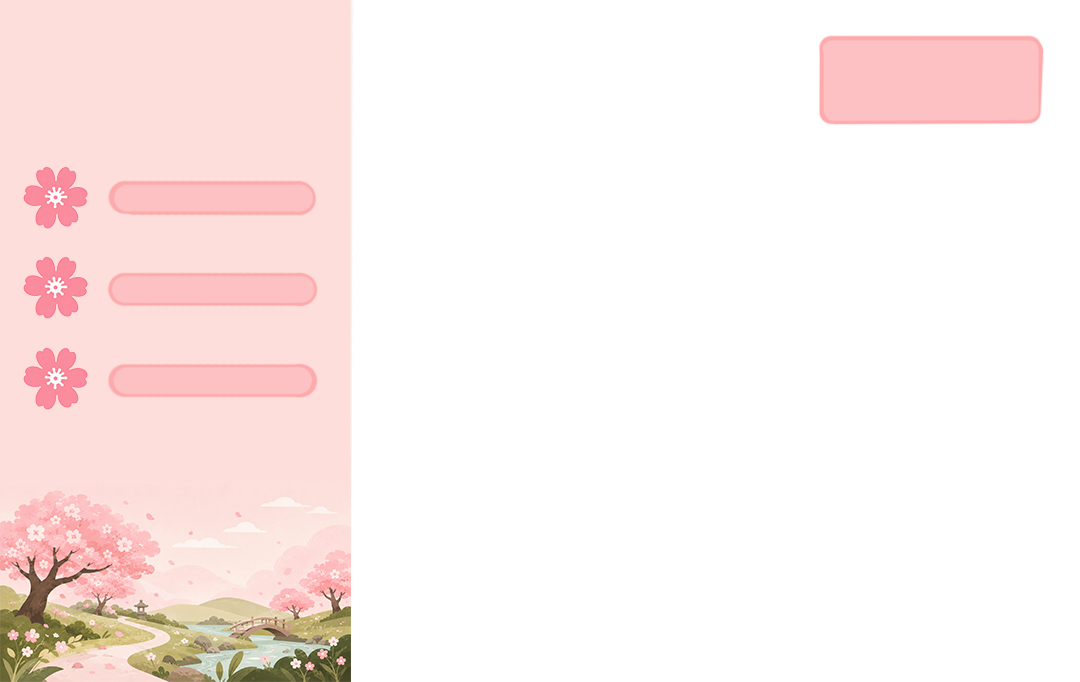
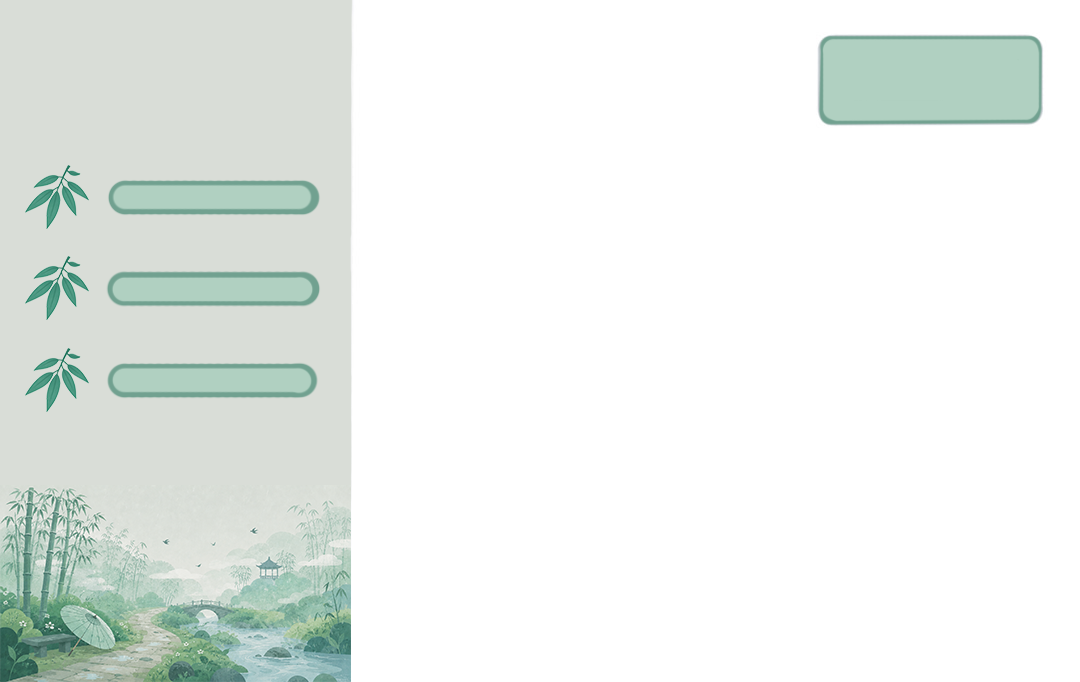
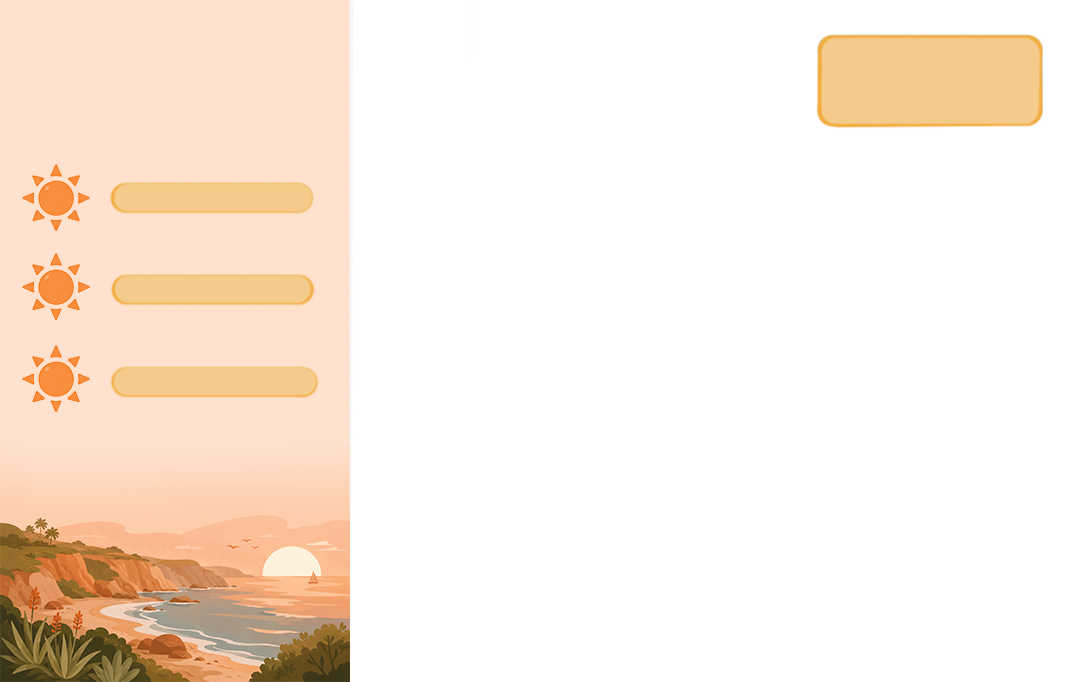
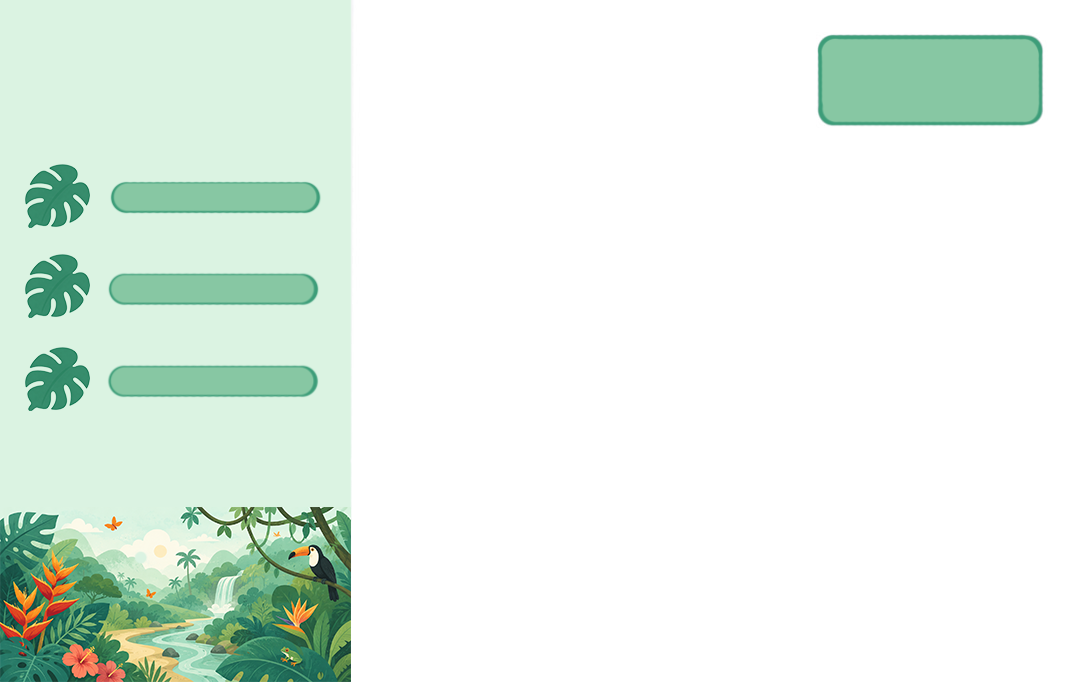
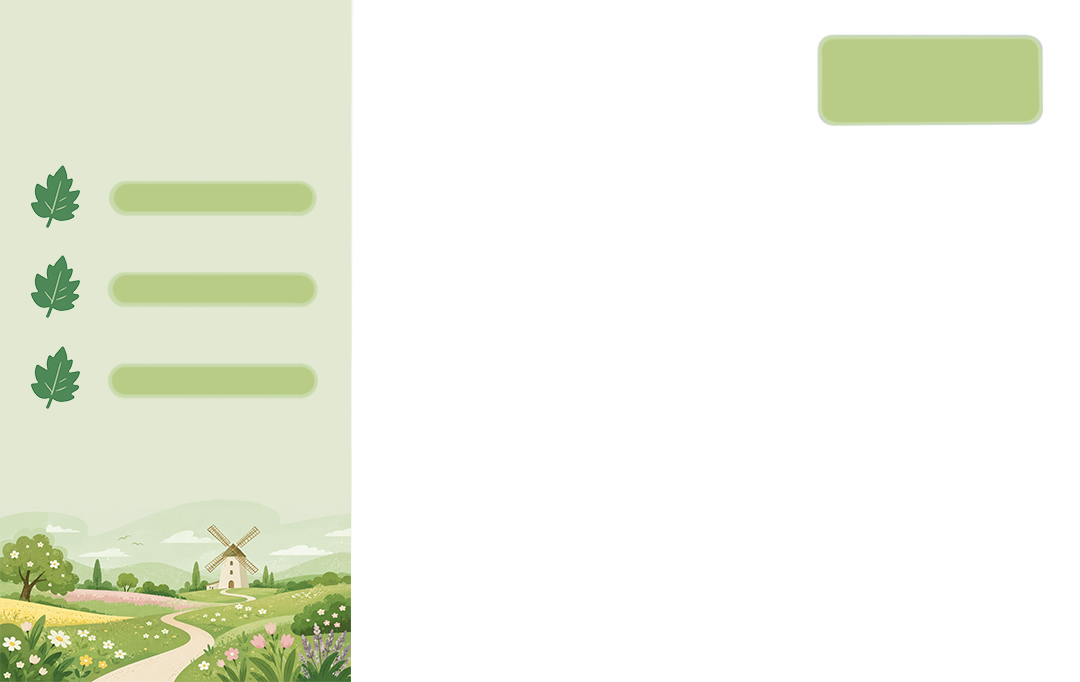
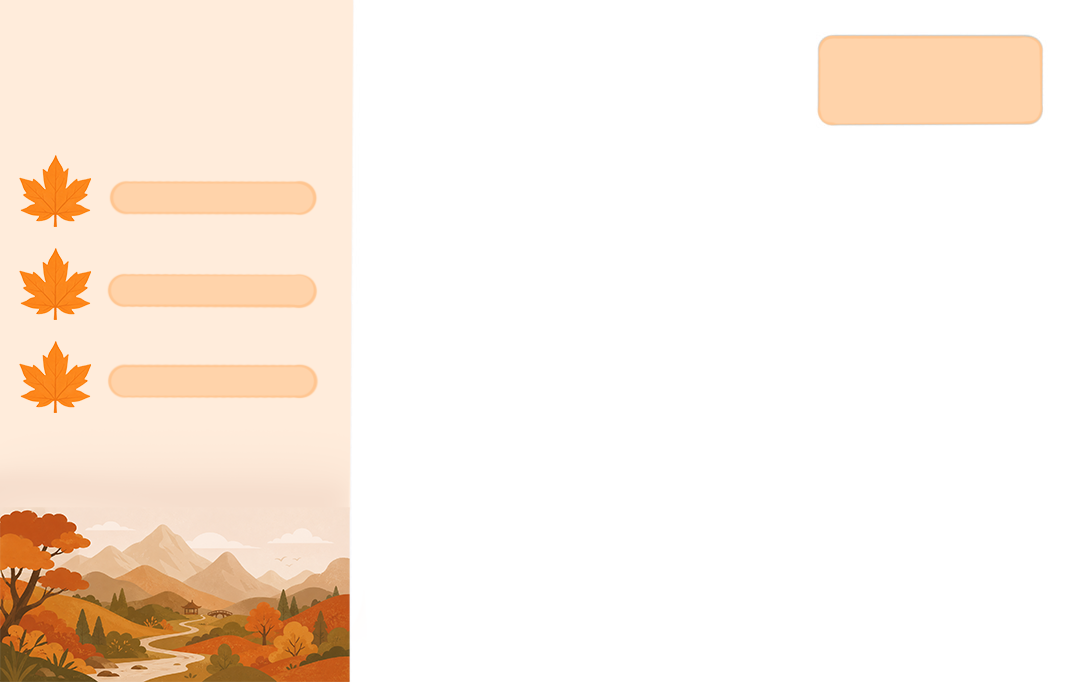
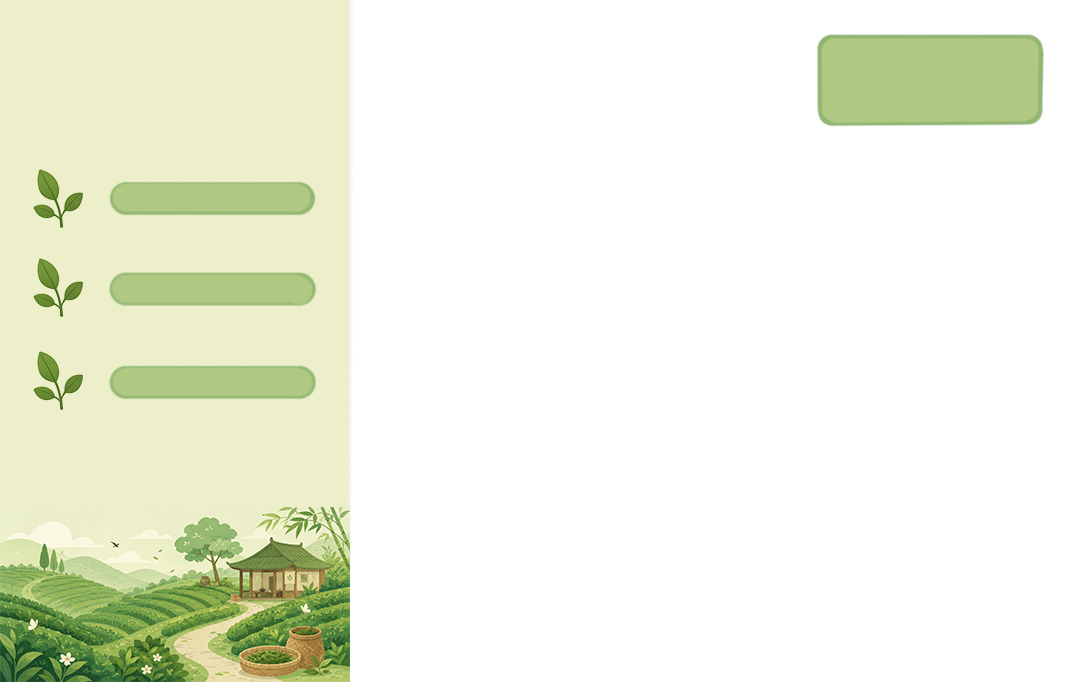
16 themes to choose from
From quiet dark tones to seasonal designs, make NonoNotes feel a little more like your own study space
Made with care—and used every day
NonoNotes is also the app I use every day for class, reading, and writing
When something feels awkward, I improve it. When a bug gets in the way, I fix it. Useful new features are added thoughtfully, one at a time
The little seal likes to keep things simple, too. I hope NonoNotes can be a quiet, dependable part of your day for years to come
Nono Starter & Unlimited
Nono Starter works without signing in. Sign in with Apple to purchase, restore, and manage Nono Unlimited.

Up to 25 notes
Up to 5 pages per notebook

Unlimited notes and pages
Unlock all Unlimited features
Nono Unlimited includes advanced import and export tools, Perspective Crop and other image-editing features, plus themes, fonts, white noise, PDF page margins, and optional cloud backup. Subscriptions are handled by the App Store and renew automatically. Current pricing and billing periods appear on the purchase screen, and you can cancel in your Apple subscription settings. Read the membership and subscription terms
Better together
You and each friend you invite can earn free membership. Invite as many friends as you like
Made for iPad
Start with Nono Starter. Sign in with Apple to manage membership and join the in-app invite program.
Privacy by choice
Learn how NonoNotes handles permissions, accounts, membership, and optional services
Read the Privacy Policy →